IRS-compliant personal-vehicle mileage log for real estate photographers and proptech professionals to track business-travel deductions year-round.
Last updated
The Mileage Log is an IRS-compliant personal-vehicle mileage tracking template designed for real estate photographers, Matterport and iGUIDE tour operators, drone pilots, and other proptech professionals. It records annual odometer snapshots, individual trip details, and business-purpose codes across every drive made for income-earning activity, producing a complete, audit-ready record that supports the IRS standard mileage rate deduction on Schedule C or a comparable business tax filing.
The Mileage Log is the right tool any time a real estate photographer or reality-capture professional drives a personal vehicle to a listing shoot, Matterport or iGUIDE capture session, drone flight site, client meeting, equipment supplier, or training event. It should be opened at the start of each tax year — January 1 — and maintained trip-by-trip so that year-end totals and business-use percentages are already calculated when tax season arrives.
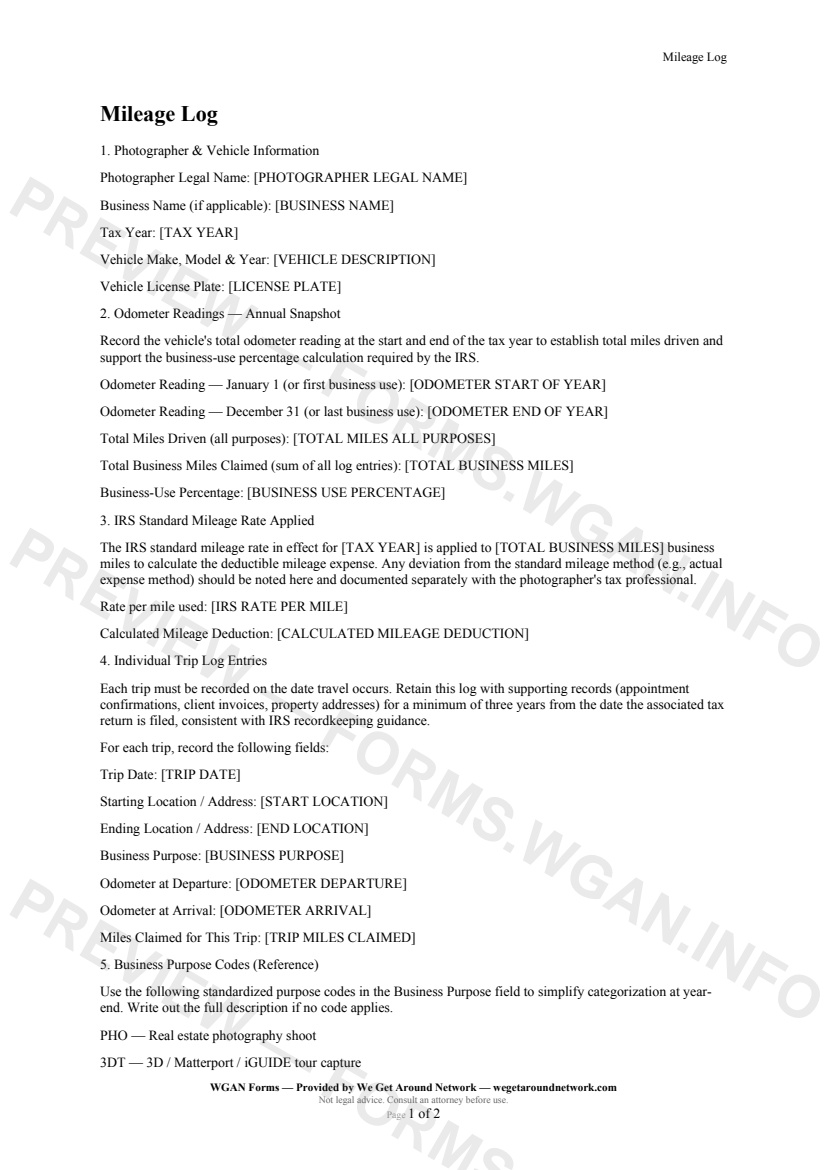
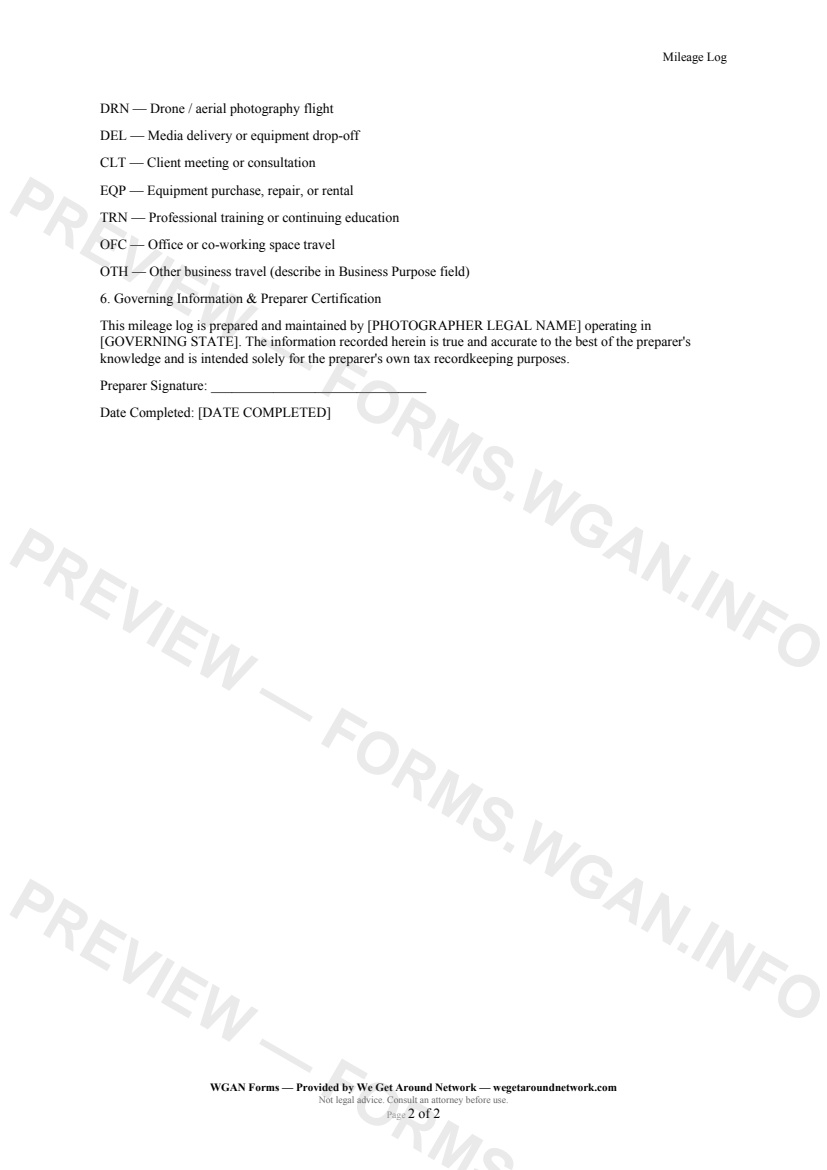
First 2 pages shown — watermarked. Subscribe to fill out and download the unbranded document.
Every log starts with the basics the IRS expects to see on audit: your full legal name as it appears on your tax return, your business or DBA name, the tax year, and complete vehicle identification — make, model, year, and license plate.
---
Before you log a single trip, record your vehicle's odometer on January 1 and December 31. Those two numbers establish total miles driven for the year and power the business-use percentage calculation — the figure that tells the IRS exactly how much of your vehicle was dedicated to earning income.
---
Enter the IRS standard mileage rate for the tax year and the form automatically surfaces your total deductible mileage expense. If you're using the actual-expense method instead, note that here and work with your tax professional on the supporting documentation.
---
This is the heart of the form. For every business drive — whether you're heading to a listing shoot, a Matterport capture, a drone flight, a client consultation, or an equipment pickup — record:
---
Nine standardized codes keep your log consistent and audit-ready: `PHO` for photo shoots, `3DT` for Matterport/iGUIDE tours, `DRN` for drone flights, `DEL` for media delivery, `CLT` for client meetings, `EQP` for equipment runs, `TRN` for training, `OFC` for office travel, and `OTH` for anything else.
Other templates capture pros use alongside this one.
An internal cover sheet and tracking checklist real estate photographers use to collect, log, and file W-9 tax forms from subcontractors, second shooters, and vendors for accurate 1099 reporting.
A structured internal incident and damage report for real estate photographers, drone operators, and 3D tour providers to document equipment damage, property damage, or safety incidents during a shoot.
An internal equipment inventory sheet for real estate photographers and proptech pros to document gear details, serial numbers, purchase dates, and current values for insurance and tax tracking.
A step-by-step internal onboarding checklist for real estate photography businesses hiring second shooters, editors, or admin staff — covering paperwork, equipment, access, and first-shoot pairing.